Five tools, one board, one lesson. Sing the Word is a classroom game for the last ten minutes of a language class, where nothing is decided in advance:
- A draw picks who plays
- The wheel picks what they must do
- A random word supplies the material
- A countdown sets the pressure
- A scoreboard keeps the score
Nobody volunteers. Nobody knows what’s coming. That is the whole appeal — and it’s built in about five minutes.
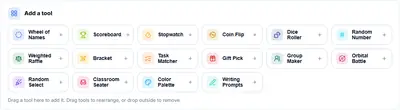
Open the Random Board and you get this toolbar. Click any tool to drop it onto the board as a card.
The Five Steps
1. Load the class into Random Select
Paste your roster into the participants box. Eighteen names is a realistic class size.
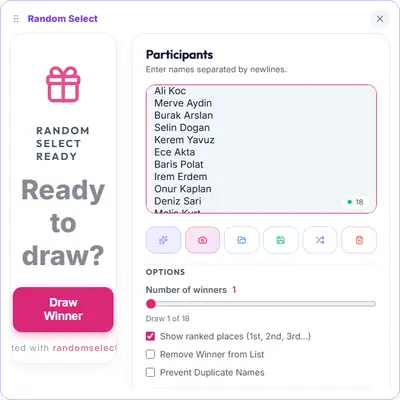
Step 1
One name per line. Count them before you move on — a name missing here is a student who never gets a turn.
2. Build the action wheel
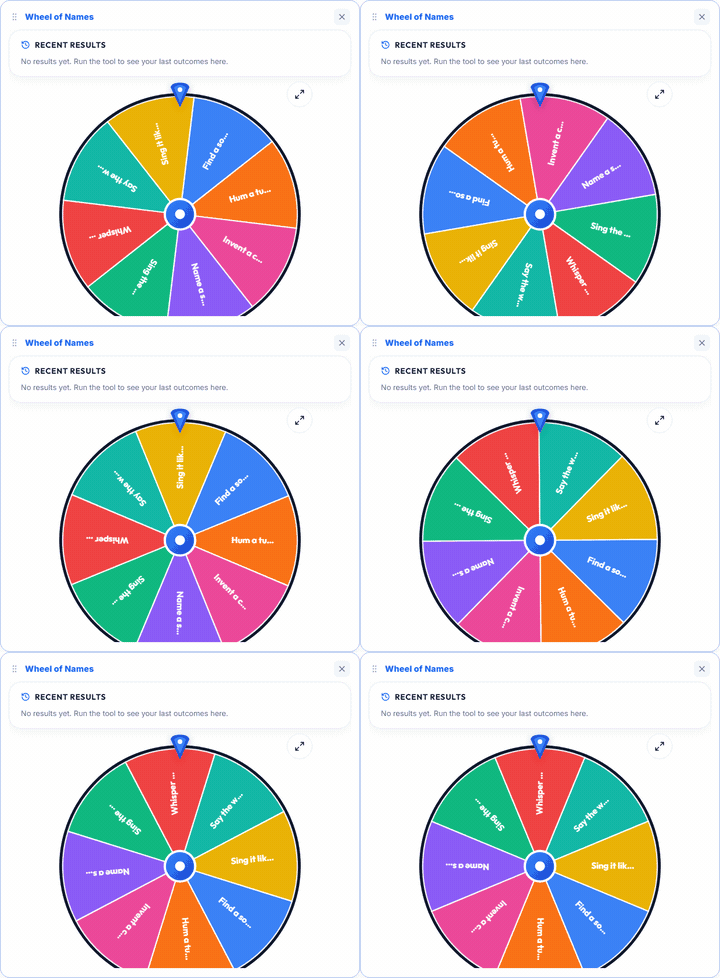
Replace the default wheel entries with actions, not names. Six to eight is the sweet spot:
- Find a song that contains the word
- Hum a tune for 10 seconds
- Invent a chorus lyric
- Name a song with that colour
- Sing the alphabet song quietly
- Whisper the word like a secret
- Say the word in a robot voice
- Sing it like an opera singer
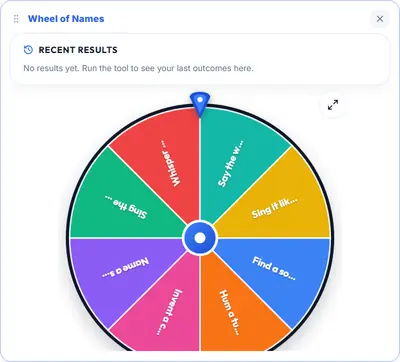
Step 2
Keep each action short enough to read on a single slice. A crowded wheel is a wheel nobody can follow from the back of the room.
3. Draw a student
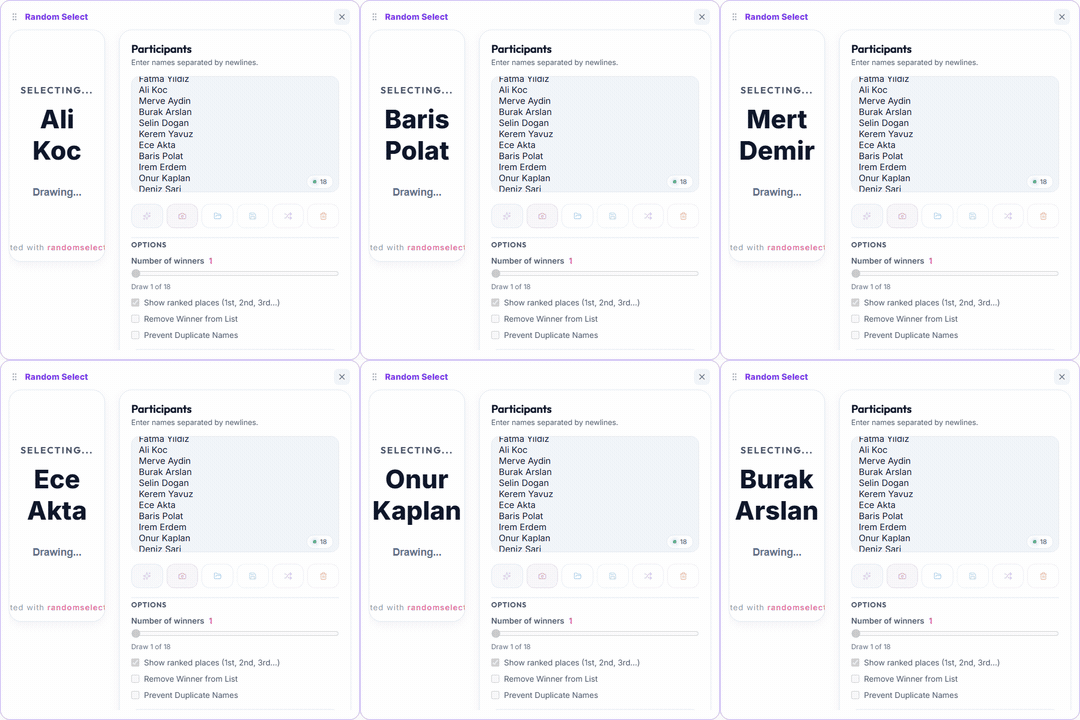
Step 3
Names scroll, then slow, then the winner is announced. The roster stays on screen the whole time, so the whole class can verify who was in the pool.
4. Spin for the action
Step 4
The student now knows what they have to do — and it wasn’t their choice, which is exactly why nobody can object.
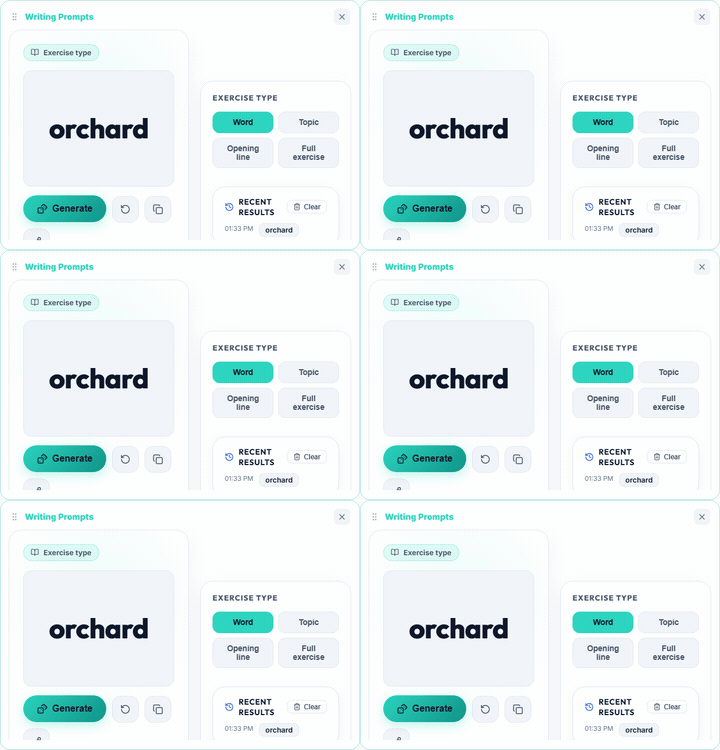
5. Generate the word
Step 5
Leave this tool in Word mode. It hands back a single bare word, which is precisely what the student has to work with.
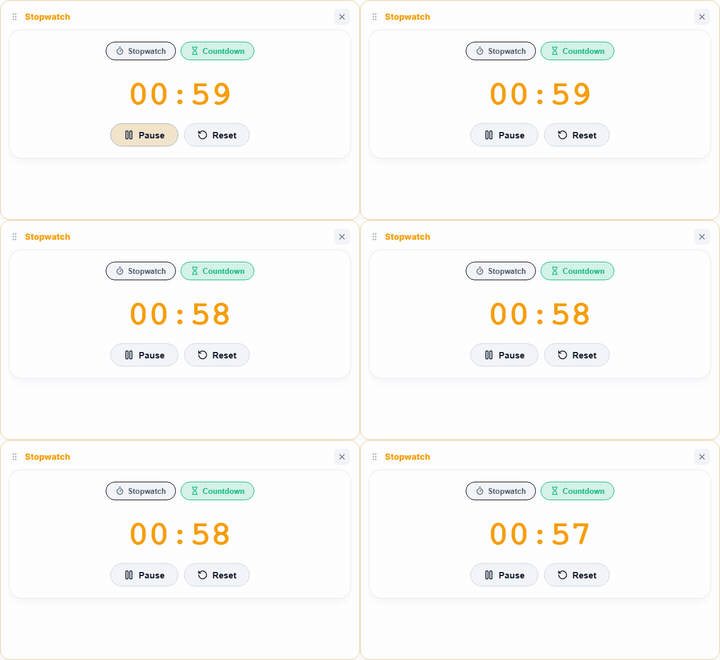
6. Start the clock
Step 6
Switch the stopwatch to Countdown and set sixty seconds. The turn ends when it hits zero — not when you decide it has gone on long enough.
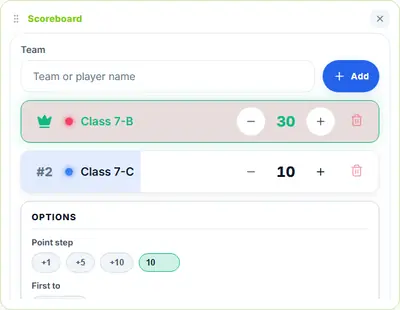
7. Award the points
Step 7
Turn completed: +10. Timer expired: −5. Set the point step to 10 so the buttons do the arithmetic for you.
The result is a board where every tool is doing something in the same moment:
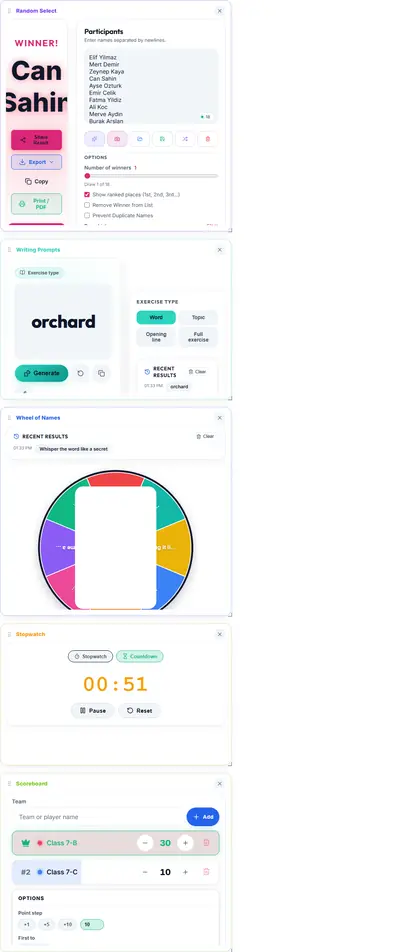
Card Size Decides Everything
This is where first attempts go wrong. The board is a wrapping grid, so card width decides how many cards fit per row.
- Two per row is the target — 620px cards plus a 20px gap fit a standard page
- Three per row squeezes the wheel until its labels are unreadable
- One per row is the default failure mode: a tall strip you have to scroll through mid-lesson
Drag a card’s edge or corner to resize it. Give the Wheel of Names extra height — its canvas is the tallest thing on screen.
Scoring Rules That Nobody Can Argue With
The scoring is deliberately mechanical, because the outcome should depend on the student rather than on your judgement of them.
- Turn completed → +10 to their team
- Timer expires → −5
- Best single turn → name it, award a bonus
Three rules worth holding to:
Announce the rules before the first draw. Mid-game rule changes are where disputes start.
Score in front of everyone. The leaderboard re-sorting live is most of the fun.
Stop when you said you would. Decide the number of turns up front — one round each — and hold to it even when a team is behind.
Why It Works
Each random step creates a different kind of participation pressure:
| Step | What it forces |
|---|---|
| The draw | Nobody volunteers, so quiet students get their turn |
| The action wheel | The task varies, so it isn’t always “name a song” |
| The random word | Retrieval you can’t prepare for — the actual skill |
| The countdown | Real urgency without anyone being exposed for long |
| The team score | It’s a group activity, so everyone is rooting |
Students who would never volunteer get picked by a machine. Students who would dominate get a task they didn’t choose. That’s the fairness argument for randomizers in class, demonstrated rather than asserted.
Timing
Fifteen minutes covers a full round with eighteen students. For longer slots:
- Two rounds — swap which team goes first, reset the scoreboard between
- Survival mode — no teams, one running total, first to 100 wins
Resetting scores is a single button, so switching formats costs nothing.
Variations Worth Trying
Memory round. Skip the action wheel; students name a song containing the word within the minute.
Team relay. The drawn student completes the turn, then draws the next student. Takes you out of the loop entirely.
Different subject, same engine. Swap Writing Prompts for Dice Roller and roll for a syllable count.
Homework roulette. Use only the wheel for assignment categories — three sentences, a drawing, a question for the class. The other four tools are irrelevant for this one.
Fixing Problems
Wheel text is unreadable. Too many slices, or too narrow a card. Cut to six actions or widen the card.
Students stall while searching for a song. Extend to ninety seconds, or add “say any sentence with the word” as an easier action.
One team dominates. Not a tool problem — shorten the round, or split into more teams.
Board feels slow on the projector. Resize cards down rather than up; a smaller board renders cheaper.
Set the timer, add your roster, and let the board decide who goes first. Open the Random Board to build it.
RandomSelect.net — five tools, one board, zero setup.